
Your Comprehensive Guide to Security Cameras Services
This guide covers everything about security camera services, from types and costs to maintenance tips, helping you make informed decisions.
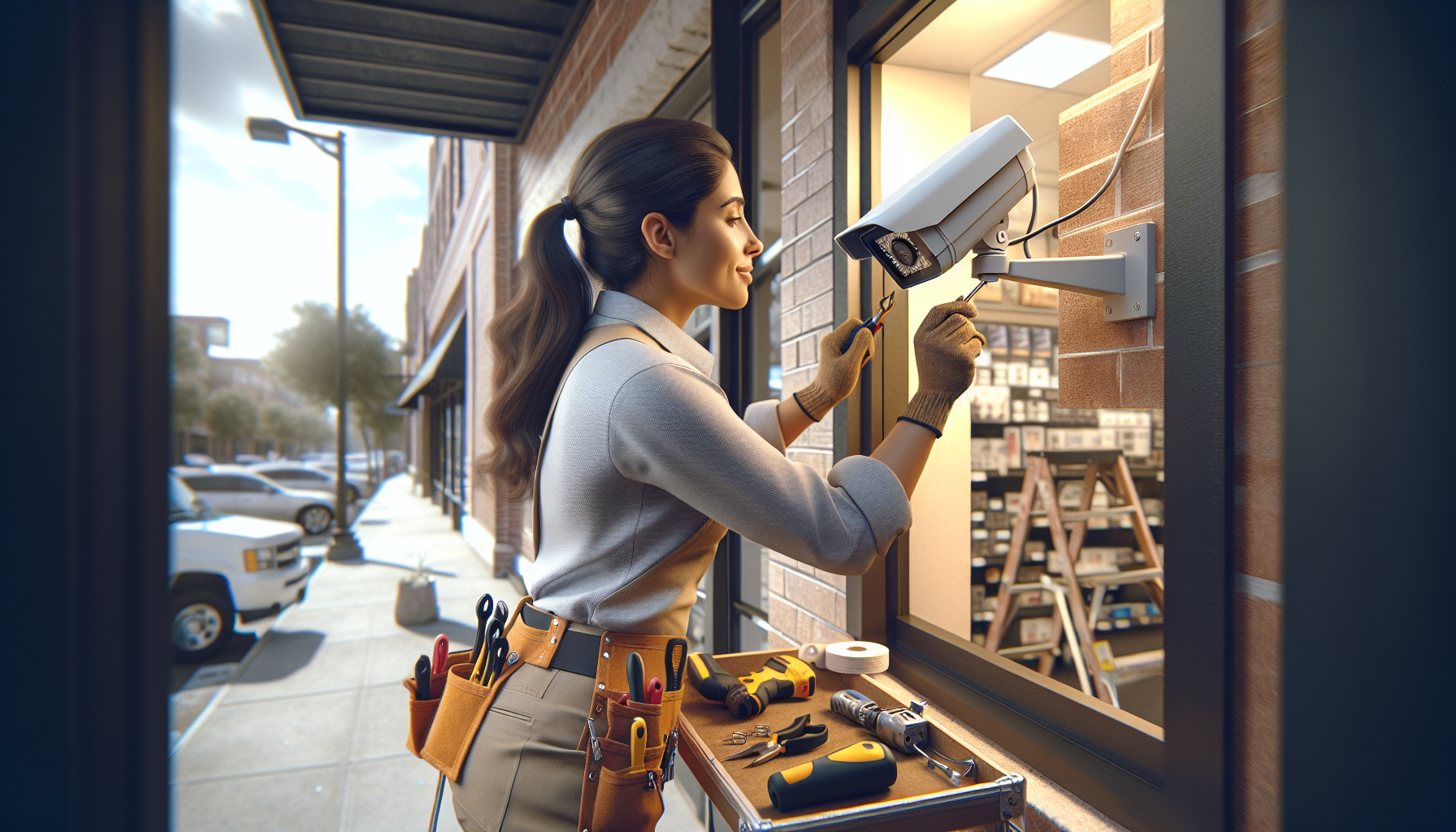
What Security Camera Services Entail
Security camera services involve the installation, maintenance, and monitoring of surveillance systems to protect homes and businesses. These services can include everything from selecting the right type of cameras to ensuring they are installed in optimal locations. Providers will also offer monitoring services, either self-monitored through smartphone apps or professionally monitored by a security center.
Types of Security Cameras
Different security cameras serve various purposes:
- Dome Cameras: These are discreet and often found in retail spaces.
- Bullet Cameras: These are more visible and effective for long-distance viewing.
- PTZ Cameras: Pan-tilt-zoom cameras can rotate and zoom in on specific areas.
- IP Cameras: These connect to the internet, allowing for remote access and higher resolution.
- Wireless Cameras: Easy to install and relocate, these cameras offer flexibility.
When to Hire a Professional
Not all homeowners are equipped to install security cameras themselves. Here are situations where hiring a professional is beneficial:
- You lack technical knowledge about wiring and networking.
- Your property has unique security needs that require customized solutions.
- Local regulations require certified installation for warranty purposes.
What to Expect from a Service Provider
When hiring a security camera service, you should expect the following:
- Consultation: A provider should assess your property and discuss your security needs.
- Proposal: They will offer a detailed plan including camera types, locations, and pricing.
- Installation: Professional installation should be efficient and minimally disruptive.
- Training: You should receive training on how to operate the system, including remote access options.
- Maintenance and Support: Providers should offer ongoing support and maintenance services.
How to Evaluate Security Camera Providers
Choosing the right provider can be challenging. Keep these factors in mind:
- Licensing: Ensure the provider is licensed in your state. For instance, in Florida, they must have a Statewide Security License, while Louisiana requires a Private Security License.
- Experience: Look for companies with a proven track record and positive reviews.
- Service Offerings: Assess if they provide comprehensive services, including installation, monitoring, and maintenance.
- Customer Support: Check if they offer reliable customer support and service after installation.
- Warranty and Guarantees: Ensure they have clear warranty policies on equipment and installation.
Cost Considerations
The cost of security camera services can vary widely based on a few factors:
Initial Costs
On average, the cost of equipment and installation ranges from $500 to $2,000 for residential setups. Factors include:
- Number of cameras needed.
- Type of cameras (e.g., IP vs. analog).
- Complexity of installation.
Ongoing Costs
Consider these additional expenses:
- Monthly monitoring fees, typically between $15 to $50.
- Maintenance and repair services, which may be charged separately.
- Cloud storage for recorded footage, if applicable.
Maintenance Tips
- Check Camera Angles: Regularly ensure cameras are positioned correctly and unobstructed.
- Update Software: Keep firmware updated to protect against vulnerabilities.
- Clean Lenses: Dust and debris can obstruct views; clean lenses periodically.
- Test Functionality: Regularly test all cameras and monitoring systems to ensure they are working properly.
Common Mistakes to Avoid
Here are pitfalls to steer clear of:
- Choosing based solely on price without evaluating service quality.
- Ignoring local laws and regulations regarding surveillance.
- Neglecting to train users on system operation.
Finding the right security camera services can significantly enhance your home's safety. If you're in need of reputable providers, consider checking out options available on My Cool City.